Write. Run. See. One window.
A markdown editor, a real terminal, and a browser — fused into one native window. Stop Alt-Tabbing your flow away.
Download it free switch with Ctrl 1–9
5MBapp size
3-in-1editor · terminal · browser
Freepersonal use
// Live screenshot
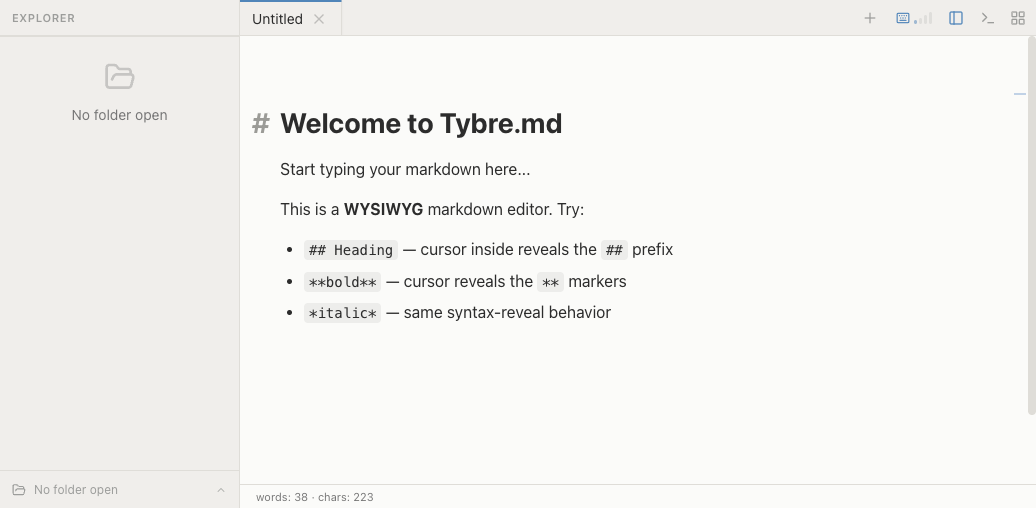
What you see is the flow you keep
1
2
3
4
1
Hover reveals the ## syntax — true WYSIWYG
2
Project explorer — switch instantly with Ctrl+1–9
3
Toggle terminal · browser · sidebar in one tap
4
Live word & character count
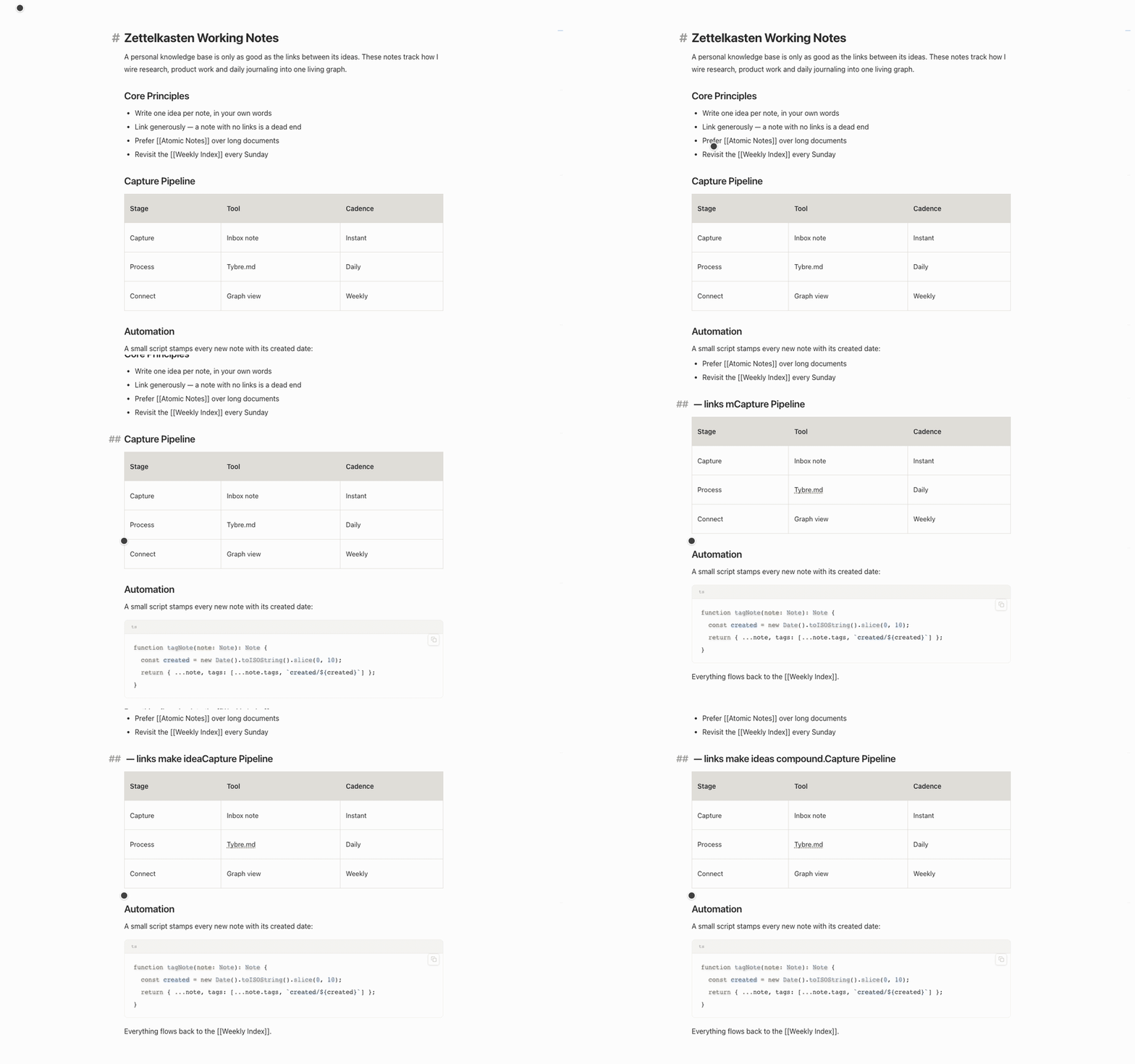
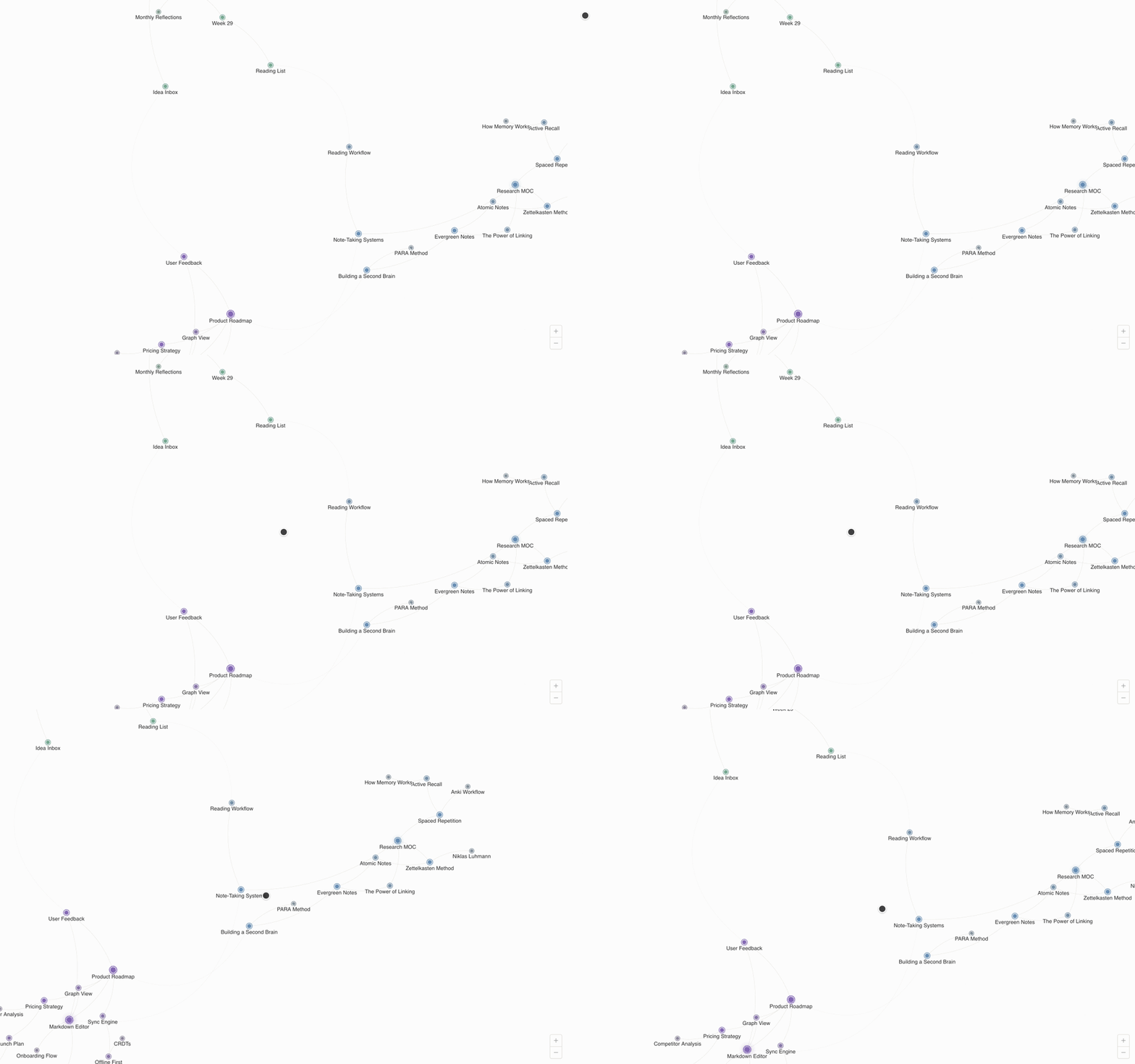
Everything you need. Nothing you don't.
01
Instant Project Switch
Ctrl+1–9 to jump between projects — each keeps its own tabs and state.
02
Session Restore
Close and reopen — every project and tab is right where you left it.
03
Native · 5MB
A 5MB native app — instant, never bloated.
One app instead of four open windows
Tybre.md ★ Your pick | Typora | Obsidian | VS Code | Notion | |
|---|---|---|---|---|---|
| WYSIWYG Markdown | |||||
| Built-in terminal | |||||
| Built-in browser preview | |||||
| Claude Code native | |||||
| Instant project switch | |||||
| Native app (< 10MB) | |||||
| Free for personal use |
30-second install
Install now
One line in your terminal — no email, no card.
$ curl -fsSL https://tybre.md/install.sh | bashPrefer a file? Download the DMG